Smart locks are convenient: no keys to hand out, codes you can change from your phone, and a door that tells you whether it is locked. But a smart lock is still a lock on a door, and the old rules about how the door fits still apply.
Here is what to think through before you buy one.
What a smart lock replaces
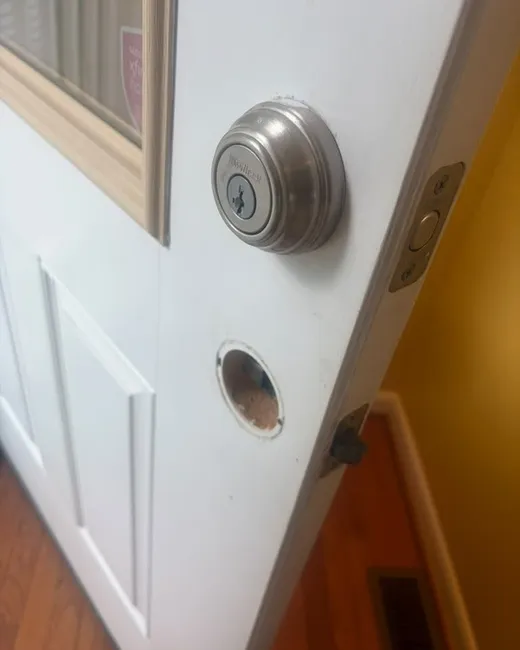
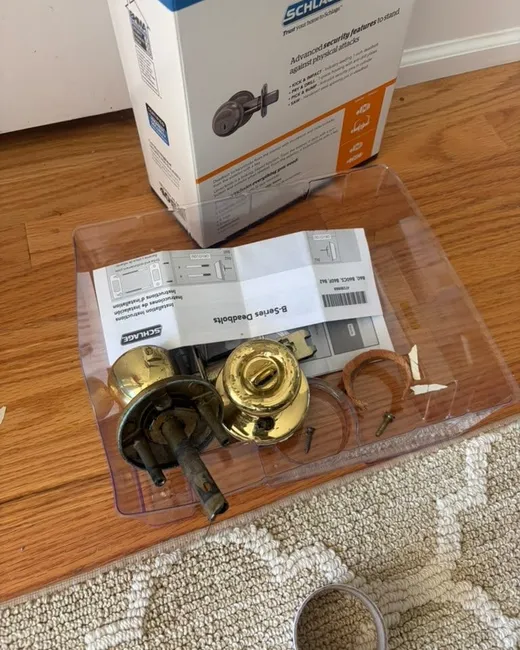
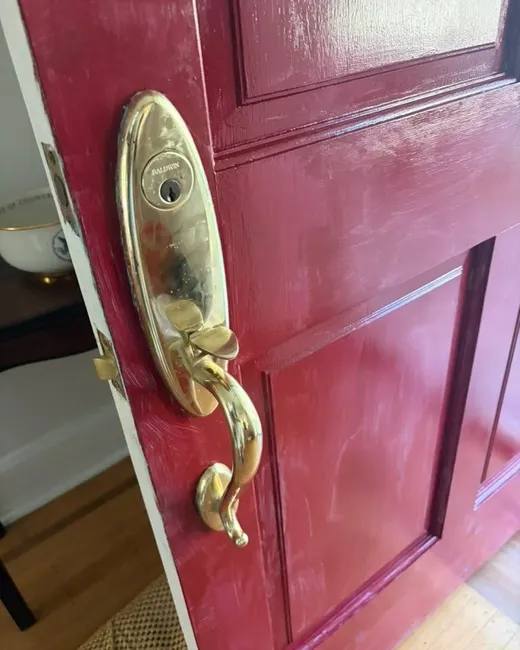
Most smart locks replace your deadbolt: an outside part with a keypad or a cylinder, an inside part with the motor and the batteries, and a new bolt in between. Some models only replace the inside thumbturn and keep your existing outside cylinder and keys.
Either way, the bolt still has to slide into the strike plate in the frame, exactly like a regular deadbolt.
What stays the same
If your current deadbolt drags, sticks or needs the door pushed to lock, a smart lock will struggle with it too. The motor has to push the bolt against that friction every time, which drains batteries fast and can make the lock jam. Fixing the fit first is part of a good installation.
Questions to answer before you buy
- Keypad, phone app, or both? A keypad works when your phone battery is dead.
- How does it connect: Bluetooth only, Wi-Fi, or a separate hub?
- Does it keep a physical key override for when the batteries die?
- Will it fit your door? Check the door thickness and the distance from the edge of the door to the center of the lock.
- What batteries does it take, and how does it warn you when they are low?
- How easy is it to add and delete codes for family, a sitter or a contractor?
Batteries: the question everyone asks
Most smart locks warn you for weeks before the batteries run out, through the app, a light or a sound. When they do die, most models have a key override or contacts on the outside where you can hold a battery to wake the lock up. Know which one yours has before you need it.
Keep the key, and keep it safe
If your smart lock has a key override, don't throw the key away and don't hide it under the mat. Leave a copy with someone you trust. It is the way in when the batteries, the app or the phone let you down.
Codes are keys too
- Give each person their own code, so you can remove one without changing everyone's.
- Delete codes when someone no longer needs them: a contractor, a sitter, a former tenant.
- Don't use codes that are easy to guess, like a birthday or 1234.
- The app account opens the door too: give it a long, unique password and turn on two-step sign-in if the app offers it.
What to expect from an installation
We install smart locks and check the door first: that the bolt runs freely, that it lines up with the strike, and that the door closes without being pushed. If the door needs a different hole or an adjustment, we tell you before drilling anything. When we leave, the lock is set up and tested from both sides.